PLA filament is widely considered the most beginner-friendly 3D printing material, yet even experienced users encounter print failures. Stringing, warping, under-extrusion, and layer separation can turn a promising print into wasted filament and frustration. This comprehensive troubleshooting guide covers the root causes and proven solutions for the most common PLA and PLA+ problems.
PLA Stringing and Oozing
Stringing appears as thin plastic threads between printed features. It occurs when molten filament drips from the nozzle during travel moves. The primary causes and fixes:
| Symptom | 가장 유력한 원인 | 해결책 |
|---|---|---|
| Fine hairs between parts | Retraction too short | Increase retraction distance by 0.5-1mm increments |
| Thick blobs on travel paths | Nozzle temperature too high | Reduce temperature by 5°C increments |
| Stringing only on first layers | Z-hop disabled or too low | Enable Z-hop at 0.2-0.4mm |
| Stringing with PLA+ only | Additive package increases flow | Increase retraction by 1-2mm and retraction speed by 5-10mm/s |
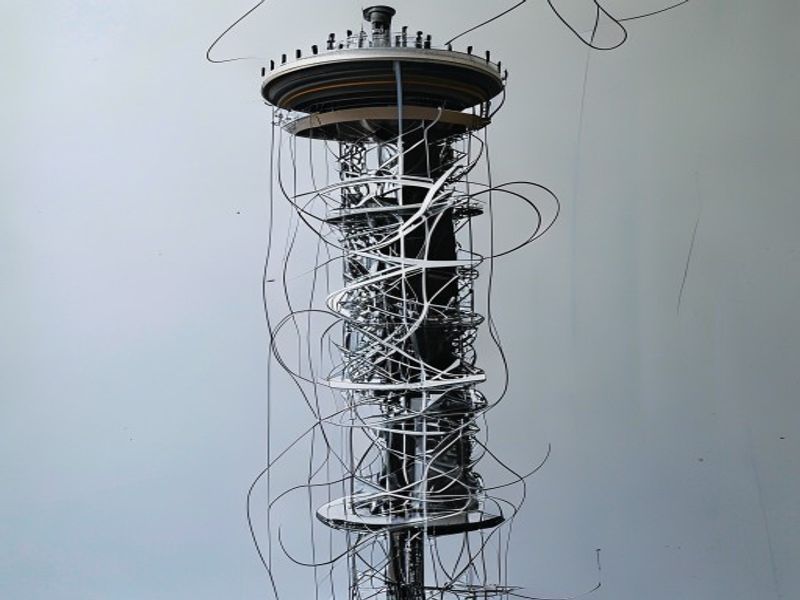
Print a retraction tower to dial in optimal settings. For PLA+, which often has higher melt flow, retraction distance typically needs to be 1-2mm longer than for standard PLA to prevent oozing during travel moves.
PLA Warping and Bed Adhesion
Warping in PLA is less severe than ABS but still occurs, especially on larger parts or thin-walled prints. The plastic cools and contracts, pulling the corners upward.
Solutions ranked by effectiveness:
- Clean the build surface — Wash with dish soap and warm water. Finger oils, dust, and old adhesive residue prevent proper adhesion
- Use a brim — A 5-10mm brim anchors the perimeter and prevents corner lift on parts with small contact areas
- Reduce first-layer print speed — Slow down to 20-30mm/s for the first layer to ensure proper squish and adhesion
- 침대 온도 높이기 — PLA adheres best at 55-65°C. Going below 50°C significantly increases warping risk
- Use an enclosure — Even a cardboard box reduces drafts that cause uneven cooling and warping
PLA Under-Extrusion and Clogging
Under-extrusion manifests as gaps in walls, incomplete infill, or layers that do not bond. The PLA-specific causes:
- Moisture in filament — The most common cause. Wet PLA creates steam bubbles in the nozzle, causing inconsistent extrusion. Dry at 45-50°C for 4-6 hours before ruling out other causes
- Partial nozzle clog — PLA degrades into burned carbon at temperatures above 240°C. If you ran a temperature tower too hot, clean the nozzle with a cold pull
- Heat creep — The hot end heats the cold end, softening filament before the drive gear. Usually caused by insufficient cooling fan or printing too slowly with a high-temperature hot end
- Extruder skipping — The drive gear slips on the filament. Increase idler tension or reduce print speed
PLA Layer Separation
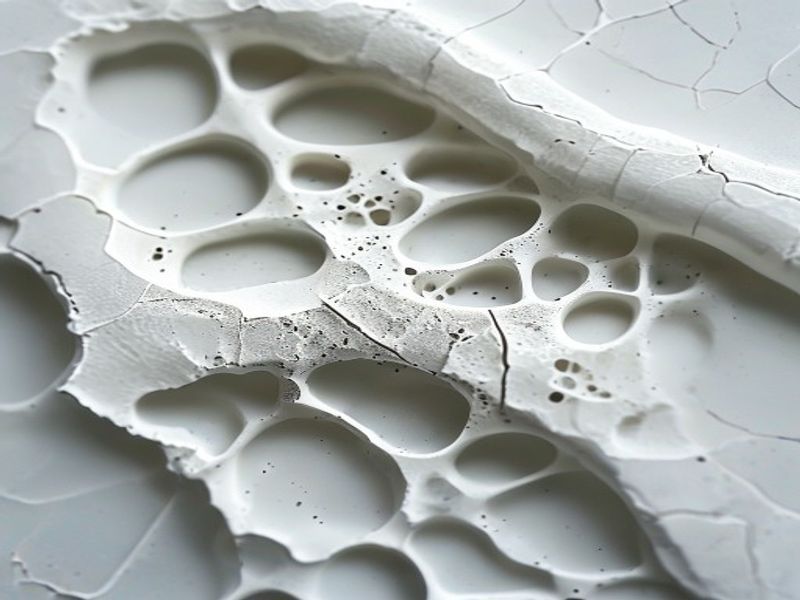
Layer separation — where printed layers peel apart — is almost always a temperature problem. PLA requires sufficient heat to bond layers together. If the nozzle is too cool, or the part cools too quickly, layer adhesion fails.
Fixes for layer separation:
- Increase nozzle temperature by 5-15°C (within PLA limits of 190-230°C)
- Reduce part cooling fan speed to 50-70% for PLA (100% cooling can cause poor layer bonding)
- Use an enclosure to maintain ambient temperature around the print
- Print thicker layers (0.25-0.3mm) which retain heat better than thin layers
- Ensure the filament is dry — wet filament produces weak layer adhesion even at correct temperatures
PLA Storage and Moisture Management
PLA is hygroscopic and will absorb moisture from the air over time. Symptoms of moist PLA include:
- Popping or crackling sounds during extrusion
- Rough, bubbly surface finish
- Significantly reduced tensile strength (up to 30% loss)
- Inconsistent diameter as moisture creates internal bubbles
Prevention is cheaper than fixing. Store PLA in airtight containers with color-changing desiccant. When the desiccant turns pink, bake it in an oven at 120°C for 2 hours to regenerate. For long-term storage (3+ months), vacuum-seal with a desiccant packet.
3D 프린팅 및 엔지니어링 플라스틱 용도로 나일론 플라스틱을 선택해야 하는 이유
엔지니어링 플라스틱 분야에서 10년 이상의 경험을 쌓아온 Nylon Plastic은 전 세계 B2B 고객사들에게 고성능 소재를 공급하고 있습니다. 당사의 제품 라인업에는 나일론(PA6, PA66, PA12), POM, PEEK 및 PLA, PLA+, PETG를 포함한 3D 프린팅 필라멘트가 포함됩니다. 모든 제품은 출하 전 직경 공차(±0.03mm), 수분 함량 및 기계적 특성에 대한 검사를 거칩니다.
- ISO 9001 인증을 받은 제조 시설
- 경쟁력 있는 B2B 가격으로 대량 공급
- 재료 선정 및 인쇄 매개변수에 대한 기술 지원
- 여러 물류 센터에서 제공하는 빠른 전 세계 배송
- OEM 프로젝트를 위한 맞춤형 소재 배합 가능
자주 묻는 질문
When is PLA Filament Troubleshooting: Common Problems and Solutions a good option?
PLA Filament Troubleshooting: Common Problems and Solutions is a good option when fast iteration, complex geometry, low tooling cost, or low-volume production is more important than molded-part unit cost.
What should be checked before choosing PLA Filament Troubleshooting: Common Problems and Solutions?
부품 크기, 재료 특성, 표면 마감, 치수 공차, 열 노출, 하중 방향, 후처리가 필요한지 여부를 확인합니다.
How does PLA Filament Troubleshooting: Common Problems and Solutions compare with CNC machining?
3D 프린팅은 복잡한 형상을 빠르게 제작할 수 있는 반면, CNC 가공은 정밀한 표면, 엄격한 공차 및 생산 등급 재료에 더 적합한 경우가 많습니다.
What affects the cost of PLA Filament Troubleshooting: Common Problems and Solutions?
비용은 재료, 빌드 볼륨, 프린트 시간, 레이어 높이, 서포트 제거, 마감, 검사 및 빌드 내 부품 수에 따라 달라집니다.

